U-Dictionary
U-Dictionary is a free Android dictionary and translation app from Youdao for looking up words, translating text and learning English vocabulary.
66.5 MB
16.0.20409.20036 · Microsoft Corporation · Page updated
Microsoft 365 Copilot for Android is Microsoft's app that brings the Copilot AI assistant together with your Microsoft 365 files and work tools.
Average 0.0 · ratings: 0
Thank you! Your rating is saved; you can change it. Could not save the rating. Please try again later. Too many ratings from your network today. Please try again tomorrow. The average appears after 5 ratings.
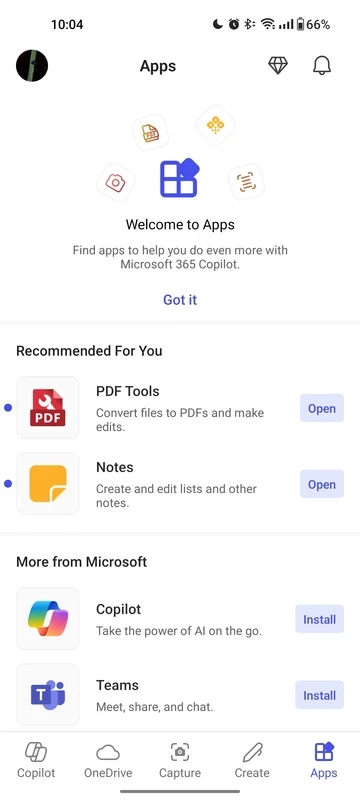
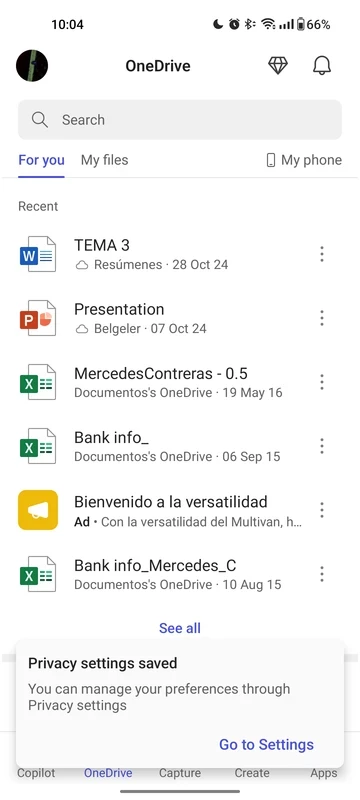
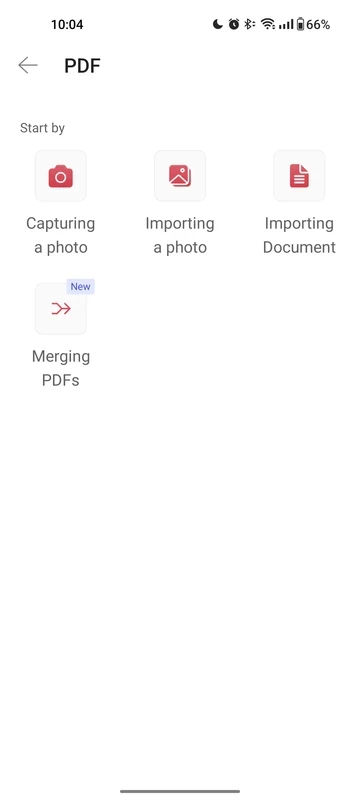
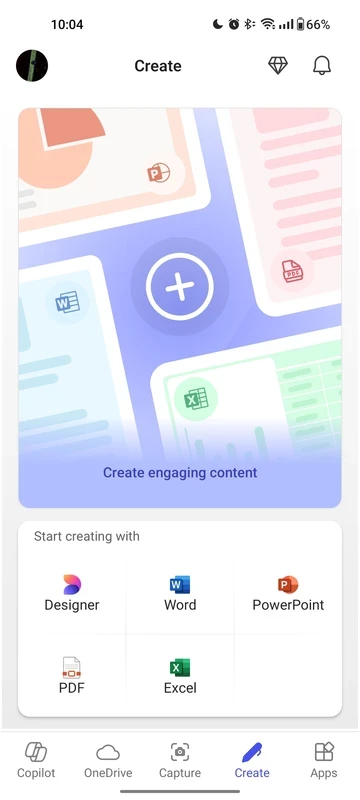
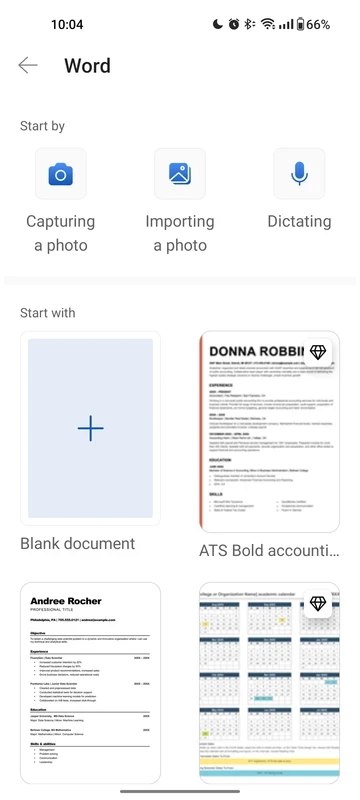
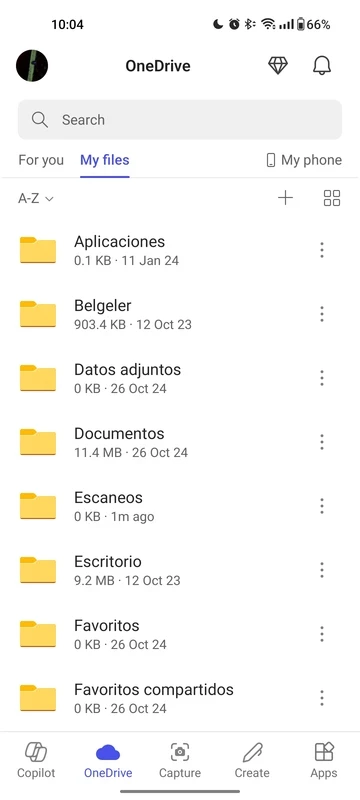
Microsoft 365 Copilot 16.0.20409.20036 is Microsoft's Android app for the Copilot assistant in the Microsoft 365 world: an AI chatbot that helps with documents, presentations, spreadsheets and other work files you keep in your Microsoft account. The app is free to download from Google Play, while some Copilot features depend on your Microsoft 365 plan.
| Item | Details |
|---|---|
| Version | 16.0.20409.20036 |
| Developer | Microsoft Corporation |
| Platform | Android (also available on the web) |
| Type | AI assistant for several Microsoft products |
| Licence | proprietary, free to download |
| Official site | m365.cloud.microsoft |
Microsoft Copilot and Microsoft 365 Copilot are easy to mix up. The first is Microsoft's general AI chat for everyone. The second is aimed at work and study with Microsoft 365: it can look at the files and content your account gives it access to and help you get something done with them. On a phone that typically means asking for a summary of a long document before a meeting, turning rough notes into a structured draft, pulling the key points out of a presentation or asking a question about a spreadsheet without scrolling through it on a small screen. Which of these features you see depends on how you sign in: a personal Microsoft account and a work or school account managed by an organisation can have quite different options, and an administrator may switch some features off. That is normal, not a fault in the app.
Downloading the app costs nothing. Copilot features for work accounts are part of Microsoft's business offers; what your account includes is decided by your plan or your organisation. Microsoft describes the business version on its Microsoft 365 Copilot page.
If you do not work in Microsoft 365, a general assistant may be enough: our listings include ChatGPT, Google Gemini, Grok, DeepSeek and Perplexity for Android. Google Keep is a simpler choice for notes and lists.
U-Dictionary is a free Android dictionary and translation app from Youdao for looking up words, translating text and learning English vocabulary.

Grok is the generative AI chatbot from xAI. The Android app lets you ask questions, write and brainstorm with it on your phone.

Android Auto is Google's app that brings navigation, calls, messages and music from your Android phone to a compatible car screen.

Perplexity for Android is a free AI search app that answers questions in plain language and links to the sources behind each answer.

Google Gemini is Google's generative AI chatbot. The Android app lets you ask questions, write and summarise text and get help by voice.

CamScanner is a mobile scanner app from INTSIG that turns photos of documents, receipts and notes into clean scans and PDF files.

Duolingo is a free Android app for learning languages through short, game-like lessons, from the American company Duolingo.

PayPal is a digital wallet app from PayPal, Inc. for sending money and paying online. This page covers version 10.14.0 for Android.